Selling Art Online
How to Handle Custom Art Order Requests Without Burning Out
A repeatable workflow for Etsy sellers to scope, price, and confirm custom art commissions before committing — so you stop redoing work and start shipping with confidence.
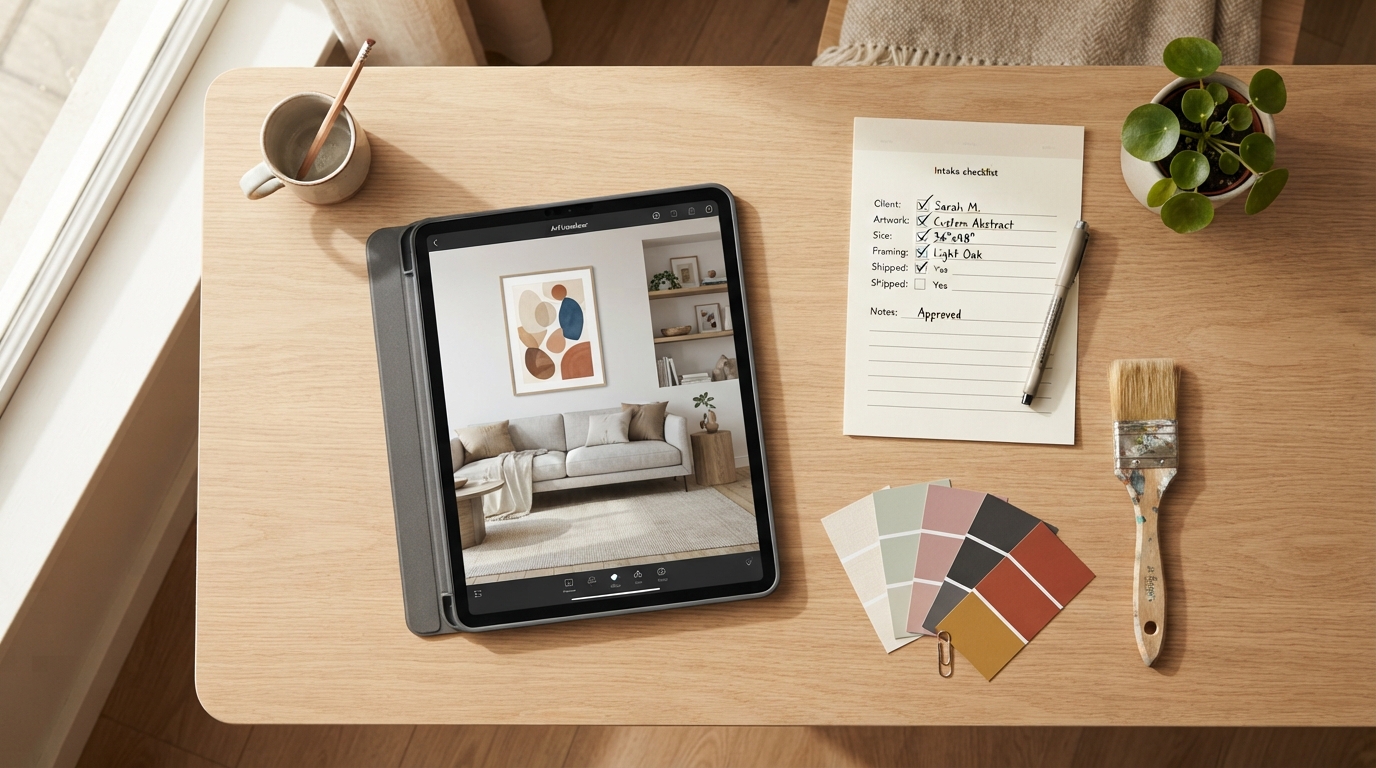
If you sell art on Etsy, you already know the moment. A message lands: "I love your work! Can you do something similar but in blue, smaller, for my bedroom wall? How much would that cost?"
You want to say yes. Custom art orders are where the real money is. But they are also where the burnout lives.
A request that sounded simple turns into three weeks of back-and-forth. The buyer wasn't sure about the size. The color wasn't quite right. You redid the piece twice. By the time you ship, you've earned less than minimum wage and you never want to hear the word "custom" again.
The problem isn't custom orders. It's the lack of a process.
Why custom orders eat sellers alive
Custom art order requests are ambiguous by nature. The buyer describes what they want in vague terms — "something for above the couch," "a big piece for the dining room" — and you're left translating that into a concrete deliverable.
Without structure, every custom order becomes a negotiation that never quite ends. Scope creeps because the initial request was never pinned down. Pricing is guessed at, then regretted. The buyer can't visualize the final piece in their space, so they ask for changes after you've already started. You deliver a file that's too small for the print size they wanted.
The result is rework, underpricing, and exhaustion — the three horsemen of seller burnout.
Step 1: Capture the request with a structured intake
Stop answering custom requests with "Sure, what did you have in mind?" That invites unlimited scope. Instead, send every custom inquiry a short intake form with five fields:
- What space is the art for? (room, wall, above furniture?)
- Approximate wall width and height
- Color palette or mood preference
- Preferred medium (digital print, canvas, fine art paper)
- Budget range and deadline
This takes the buyer two minutes and gives you everything you need to quote. More importantly, it signals that you are a professional with a process — not a hobbyist who will accept whatever they ask for.
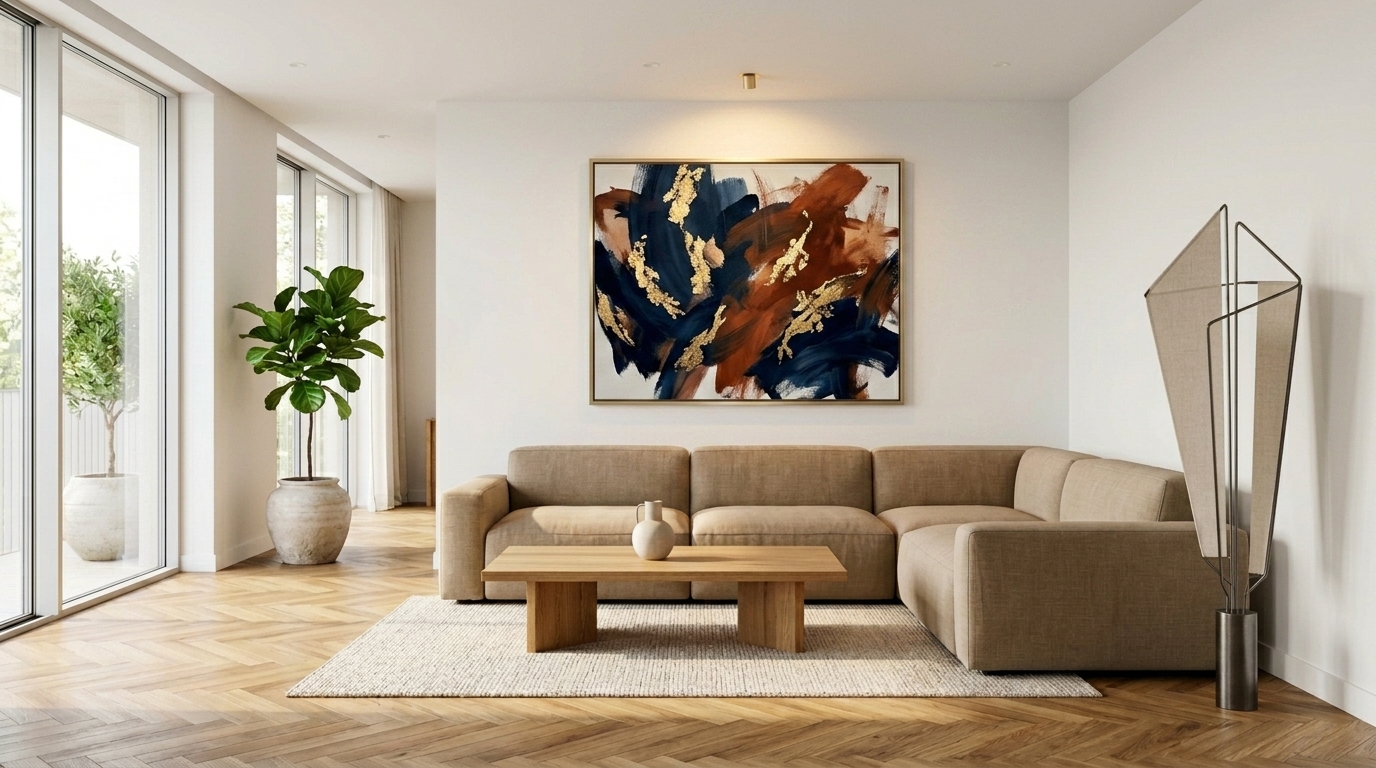
Step 2: Price with tiers, not guesses
The biggest custom order mistake is naming one price off the top of your head. The buyer either feels it's too high and leaves, or you realize too late it was too low and resent the work.
Offer two or three tiers instead:
- Standard: Existing design, resized or recolored, delivered as a digital file
- Custom: New composition based on the buyer's brief, one round of revisions included
- Full custom: Original piece with multiple revision rounds and a print-ready file at the buyer's target size
Tiers give the buyer agency and protect your margins. They also make the conversation about value, not just price.
Step 3: Show the piece on their wall before you commit
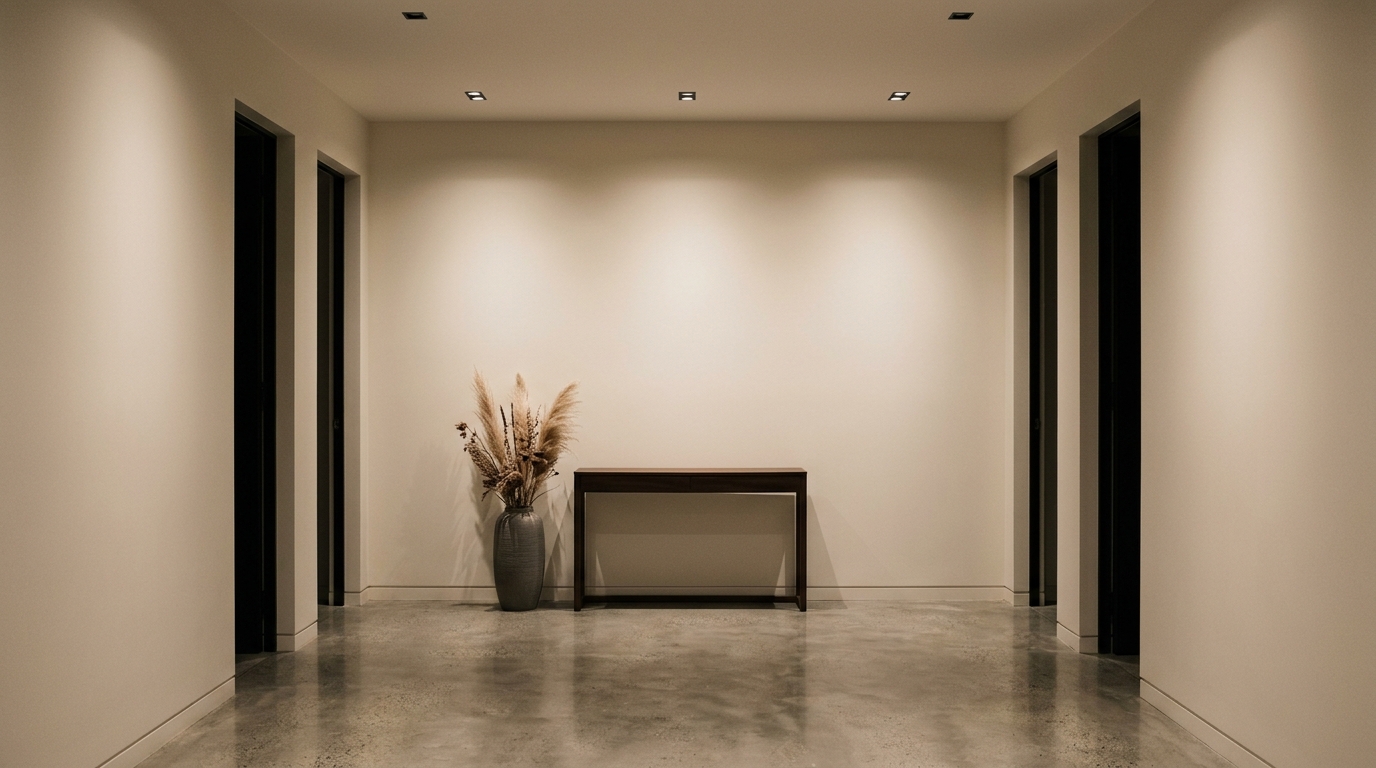
This is the step that eliminates most rework. Once you've agreed on scope and price, show the buyer a visual preview of the art on their wall at real scale before you produce the final piece. Not a description. Not a flat mockup. A room preview that shows exactly how the art will look in the space it's meant for.
When the buyer can see art on their wall before buying, the ambiguity disappears. They confirm the size works. They confirm the placement. They confirm the color reads right in their lighting. You get one approval — not three rounds of "actually, can you make it a little bigger?"
Step 4: Get one written approval
After the room preview, send a short confirmation: the agreed scope, the tier, the price, and a screenshot of the preview. Ask the buyer to reply "approved" before you begin.
This is not bureaucracy. It is the difference between a custom order that ships in two weeks and one that drags on for two months. Written approval is your scope boundary. When the buyer later asks for "just one more change," you can reference what was approved and charge accordingly.
Step 5: Deliver print-ready files
The last burnout trap is delivering a file that's too small or too low-resolution for the buyer's intended print size. The buyer takes it to a printer, the print looks soft, and they blame your art.
Before delivery, run the final file through an AI image upscaler to confirm it meets the resolution requirements for the buyer's target print dimensions. A 24x36 inch print at 300 DPI needs a much larger source file than most buyers realize.


This protects your reputation. The buyer gets a file that actually prints well, and you avoid the "the print quality was bad" review that haunts Etsy sellers who delivered web-resolution files.
The workflow that saves your sanity
Custom orders don't have to be chaos. The sellers who handle them without burning out all do the same thing: they turn a vague request into a structured process — intake, tiered pricing, visual preview, written approval, print-ready delivery.
You stop redoing work. You stop underpricing. You stop dreading the next "can you do something custom?" message. Instead, you ship with confidence — because you and the buyer agreed on everything before you picked up the brush.
Preview custom art on any wall before you commit
Show buyers exactly how their custom piece will look in their space at real scale — so they approve once and you stop redoing work.